Monitor cables and monitors

Fig 1. VGA to HDMI cable
Figure 1 shows VGA to HDMI connections. The blue end (VGA) plugs into the FPGA board and the black end (HDMI) plugs into the monitor. Please check you check your monitor to see if it takes HDMI. And if this is what you actually want?
There's also VGA to DVI cables as shown in Figure 2.
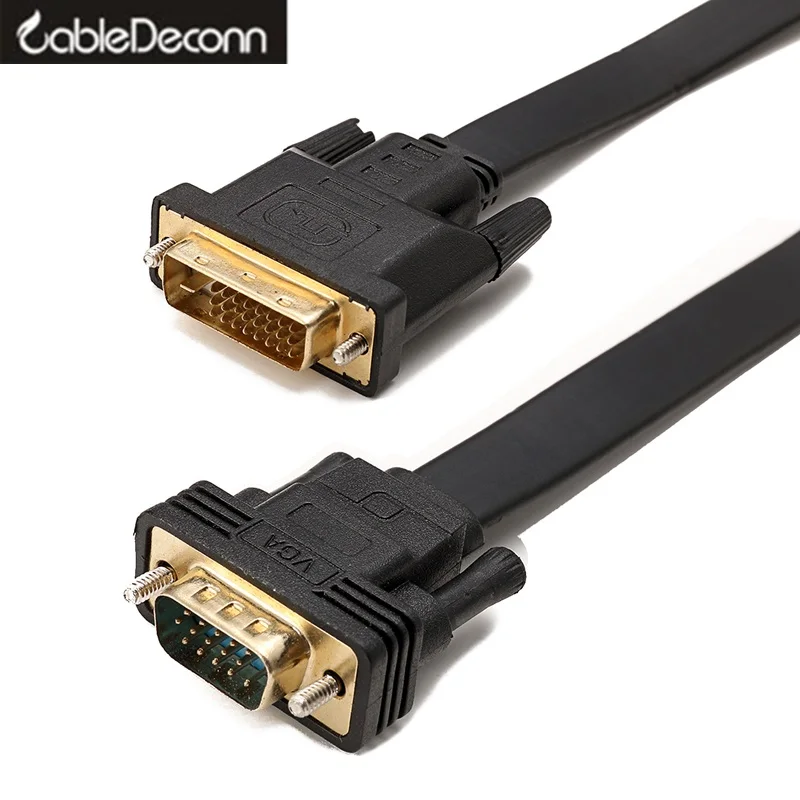
Fig 2. VGA to DVI cable
The assumption is that you have a spare monitor at home and can plug the FPGA into the monitor. I haven't ever tried plugging the FPGA into my laptop (I use a Macbook Pro).
If you live nearby, I have spare monitors and can drop them off. Sam and Evan - I could meet you half way if you need a monitor.
Let me know which cable you want and whether you need a monitor.
I have checked my monitor for the HDMI ports. So I don't need a monitor but I would like a Fig. 1, VGA to HDMI. Thank you!
ReplyDeleteI also have the HDMI port for my laptop so I would only need fig1 vga to hdmi if thats okay! Thank you.
ReplyDeleteI would like a VGA to HDMI cable as well, please! Thank you
ReplyDeleteI already have the cables necessary, and I've gotten my video to work.
ReplyDeleteI ordered cables from Sam, Abril, and Evan from Amazon and they say they'll arrive between Tues -Thurs.
ReplyDeleteMay - I can drop off a monitor today or tomorrow (Sat or Sun).